
 Free Delivery & Return
 365-Day Returns
 10 Million Happy Customers
 500,000 Products in Stock


Desks (174)


Desks
Updated November 2026
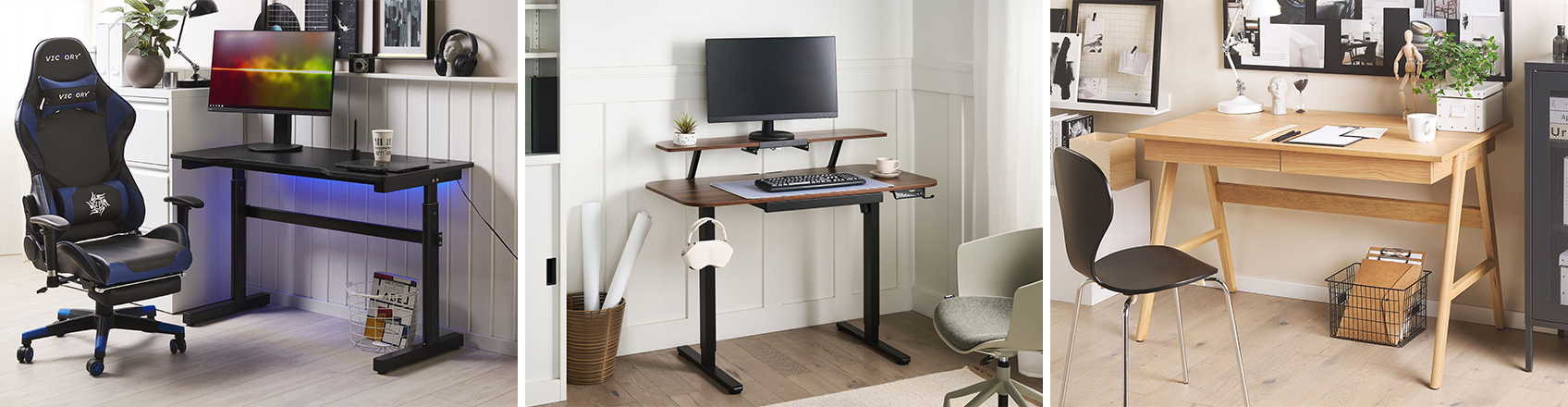
A desk is one of the few pieces of furniture you sit at for hours without moving, so the wrong height or depth shows up as neck and shoulder strain long before you blame the furniture. The decision comes down to four things: the type of work, the height, the surface your equipment needs, and the material that will survive daily use. This page sets out the measurements and features that matter, so you can match a desk to your room and your setup rather than to a product description.
What size and height should a desk be?
Fixed-height desks are usually made at 72 to 75 cm, a range built around a user of roughly 180 cm, and European standard EN 527-1 defines both this fixed type and the adjustable types above it. For width, allow at least 120 cm for a laptop and notes, and 140 to 160 cm once you add a second monitor. Depth matters as much as width: 60 cm is enough for writing or a laptop, while 70 to 80 cm keeps a screen at a comfortable viewing distance of roughly 50 to 70 cm.
- Your height: as a rule of thumb, start at 73 cm for a 183 cm user and adjust by about 1 cm for every 2.5 cm of difference
- Screen count and size, which drive both width and depth
- Whether the desk also holds a printer, drawing surface or paperwork
- Whether more than one person uses it, or a child who is still growing
- Whether you want to work standing, which calls for an adjustable frame rather than a taller fixed desk
Which type of desk suits your work?
Desk types differ less in looks than in what they are built to hold and how much room they take. Decide the type first, because it rules out whole size and material groups.
What should a home office desk have?
A home office desk is built for a mixed working day: a laptop or single screen, paperwork, and somewhere to put the things that would otherwise cover the surface. Models with a drawer unit or an open shelf keep documents off the desktop, which is what makes a medium-width desk feel bigger than it is. If the desk has to share a room with other uses, a foldable model can be set up for the working day and cleared afterwards.
Shop now: home office desks and foldable desks
When is a height-adjustable desk worth it?
An adjustable desk solves the problem a fixed desk cannot: one surface used by people of different heights, or one person who wants to alternate between sitting and standing. Check the full travel range rather than the maximum height, because a standing position needs the top at about elbow height, which for a 180 cm user is around 110 cm. Electric frames move faster and usually carry more weight than crank frames, while a crank frame has nothing to fail electrically.
Shop now: adjustable desks
What makes a gaming desk different?
A gaming desk is designed around hardware: enough width for a wide or second monitor, cable routing for a tower and peripherals, and a frame that does not transmit movement to the screens. The surface finish matters here too, since a full-size mousepad needs a flat area without a raised edge or a seam running through it.
Shop now: gaming desks
What height should a kids desk be?
A child's working height changes every year, so the useful measurement is the lowest setting rather than the maximum: the top should come down to the child's elbow height while they sit with their back supported. Height-adjustable models, often with a tilting top for writing and drawing, stay usable for several years instead of one. Rounded corners and a stable frame matter more than storage at this size, since the desk will be leaned on from the side as often as sat at.
Shop now: kids desks
How much desk width and depth do you need?
Width is set by your equipment, not by the room. Measure the wall, then check that the width you need actually fits, rather than choosing the largest desk the wall allows.
Up to 100 cm
Is a small desk enough?
It holds a laptop, a notebook and a lamp, which suits a hallway, a bedroom corner or a room with another main purpose. It leaves no space for a separate screen and keyboard.
110 to 140 cm
What fits on a medium desk?
One monitor with a separate keyboard and mouse, plus room to write beside the screen rather than in front of it. This is the usual choice for a home office.
160 to 180 cm
When do you need a large desk?
For two screens side by side, a tower, or a drawing surface next to the keyboard. Wide tops need a braced frame most, since any flex is amplified across the span.
Depth is the measurement most often overlooked. A 60 cm top is fine for a laptop, but a 24-inch monitor pushed to the back edge of a 60 cm desk still sits closer than the 50 to 70 cm viewing distance most people find comfortable, which is why 70 to 80 cm is the safer depth for a screen-based setup.
How much legroom should a desk have?
Guidance on workstation clearance puts the minimum free depth under a desk at about 60 cm, measured from the front edge back, with nothing in the way at knee height. A drawer unit, a central crossbar or a cable tray fitted too far forward takes that space away, so measure the clear area under the top before you compare desktop sizes.
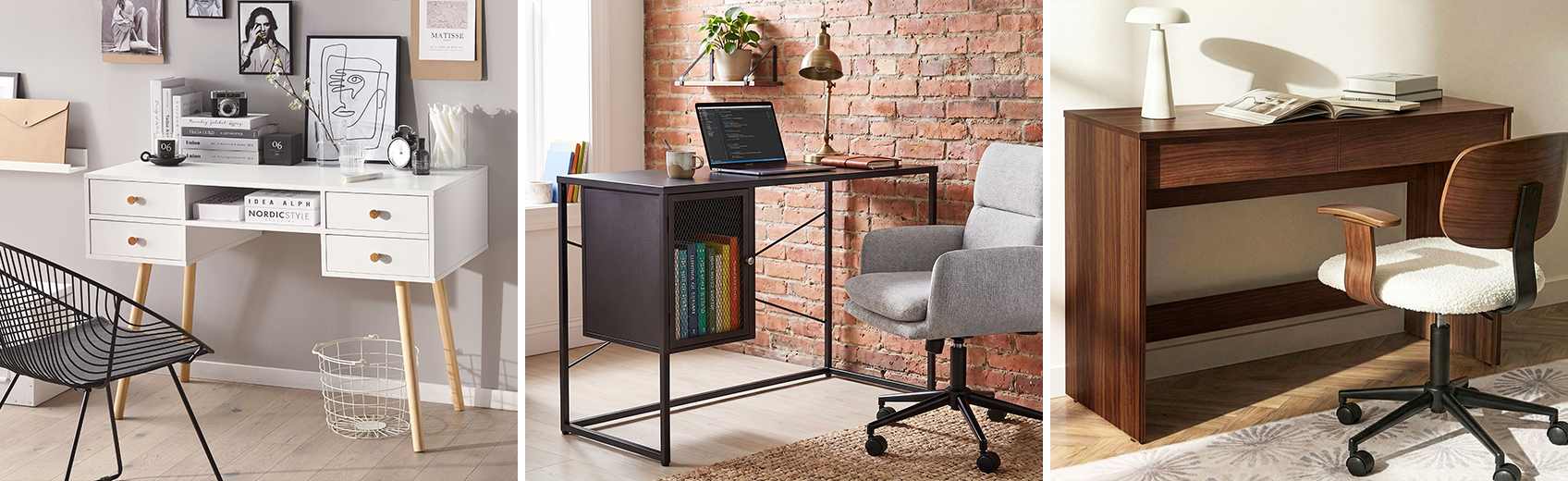
When do you need a conference table instead?
A conference table is sized for people rather than equipment, so the measurement that matters is edge length per seat: allow about 60 to 70 cm of table edge for each person, which means a six-seat table needs roughly 180 to 200 cm of length. Depth should be at least 90 cm so two people sitting opposite each other are not working in the same space. Unlike a desk, it is approached from all sides, so a frame with legs set in from the corners lets chairs tuck in anywhere along the edge.
Which desk material works best for daily use?
Material affects weight, repairability and how the surface looks after a year of use. All three groups below are fine for home use, so the question is which trade-off you prefer.
Is engineered wood durable enough?
MDF, chipboard and particle board with a laminate or veneer finish give a flat, stable surface at the lowest price, and they are light enough to move alone. The weak points are the edges and the cut-outs: once moisture gets into a damaged edge the board swells and cannot be repaired, so a chipped corner is permanent.
Is a solid wood desk worth the extra cost?
Solid wood tops are heavier, take knocks without denting as easily, and can be sanded and re-oiled when they mark, which is the one real advantage over engineered wood in the long term. They cost more, need occasional re-oiling or waxing, and are awkward to move once assembled.
What is a glass or metal desk like to use?
A metal frame with a glass top wipes clean, resists stains and suits a minimal setup. Tempered glass shows fingerprints and feels cold under the wrists, and it limits what can be clamped to the edge, since most monitor arms and desk lamps are not approved for glass.
Which features actually matter?
Features are worth paying for when they change how the desk works day to day, and not otherwise.
- Storage: a drawer or shelf keeps documents and peripherals off the surface, which effectively adds working width, but check that it does not cut into your legroom
- Cable management: a grommet hole or an under-desk tray keeps cables off the floor, and matters most on a sit-stand desk, where every cable has to tolerate the full height change
- Load capacity: compare the stated top load against the real weight of your equipment, including two screens and a tower, rather than assuming it is generous
- Adjustment range: on a height-adjustable desk, check the lowest and highest settings against your own sitting and standing elbow height, not just the number of positions
- Frame bracing: a cross-brace or H-frame is what keeps a wide desk steady, and matters more than top thickness
- Castors: useful if the desk has to move for cleaning or room changes, provided they lock
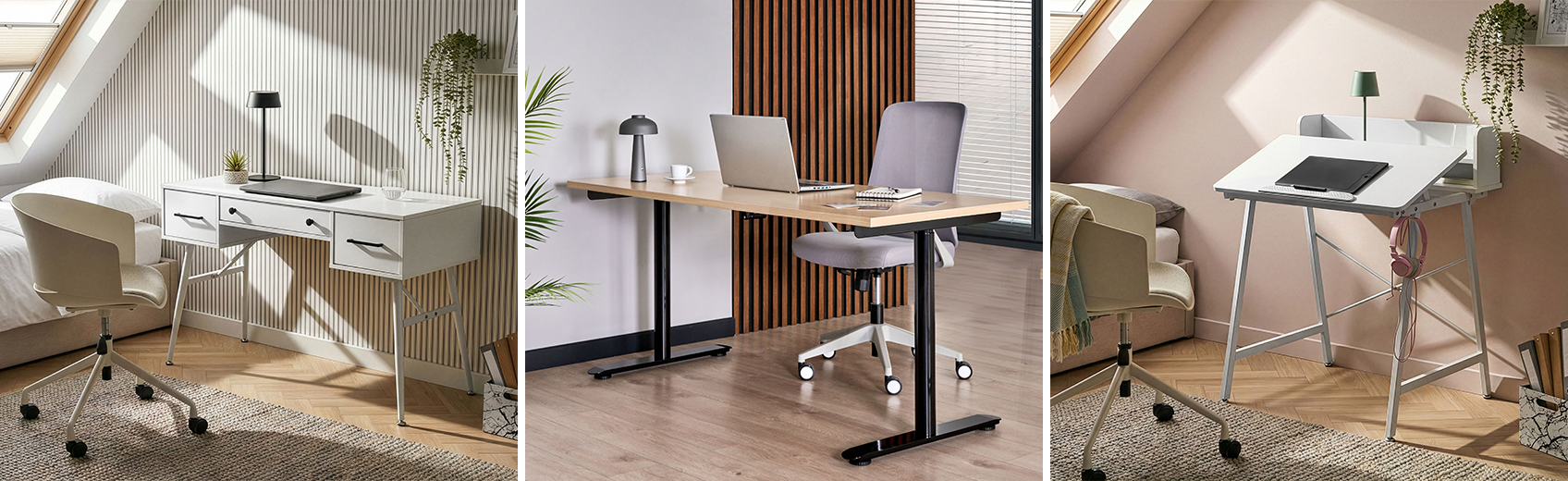
What to check before buying
Work through these in order, with a tape measure, before you compare models.
- The wall or alcove width, and the clear floor depth including about 100 cm behind the desk for the chair
- Your working height, measured as the distance from the floor to your elbow when seated with your feet flat
- The width your equipment needs laid out as you actually use it, screens plus keyboard plus writing space
- The desktop depth against your screen size, aiming for 70 to 80 cm with a monitor
- The clear legroom under the top, with any drawer unit, crossbar or cable tray taken into account
- The stated top load against the combined weight of your equipment
- For a shared or child's desk, the lowest and highest settings against every person who will use it
Frequently asked questions
How much floor space do you need behind a desk?
Leave about 100 cm of clear floor space behind the desk so the chair can be pushed back and turned without hitting a wall or a cabinet. In a narrow room, measure this before the desk width, because a desk that fits the wall but not the chair becomes uncomfortable within a week.
Can you fit a monitor arm to any desk?
A clamp-on monitor arm needs a flat rear edge with no frame, crossbar or cable tray directly underneath, and a top thickness within the clamp range stated by the arm. Glass tops and thin tops with a hollow core are the usual problem, so check the manufacturer's clamping instructions before buying either part.
Why does a desk wobble, and can it be fixed?
Most wobble comes from a frame with no diagonal or horizontal brace between the legs, and it increases with desk width and with every extra centimetre of height on a sit-stand model. Tightening all fixings in the order given in the instructions removes some of it, and a cross-braced or H-shaped frame prevents it in the first place.
Is a corner desk a good choice for a small room?
A corner desk uses an area that is often wasted and gives two working surfaces, which suits a setup with a screen plus paperwork. It needs two clear walls and does not save floor space, so in a small room a compact or foldable desk against one wall is usually the better fit.
Do you need a footrest with a standard desk?
A footrest is useful when the desk cannot be lowered to your elbow height and you raise the chair instead, which lifts your feet off the floor. Raise the chair until your forearms are level with the desk top, then add a footrest if your feet no longer rest flat.